 DisonObudho
React Public Site Link:
Responsive Portfolio Website
Project Title: Responsive Design with CSS, Nodejs and Figma
Introduction: I developed a responsive Real Estate website to demonstrate my skills in CSS, Node.js, and web design. The site serves as a personal portfolio to showcase my work, skills, and experience as a web developer.
Technologies Used:
- Frontend: HTML, CSS, JavaScript
- Backend: Node.js, Express.js
- Design Tools: Figma, Adobe Photoshop
Features:
- Responsive Design: The website adapts seamlessly to various screen sizes and devices, providing an optimal viewing experience on desktops, tablets, and smartphones.
- Interactive UI: Implemented smooth animations and transitions using CSS to enhance user engagement.
- Dynamic Content: Used Node.js and Express.js to serve dynamic content and handle form submissions.
- Gallery: Showcases projects with detailed descriptions and images, highlighting different skills and technologies used in each project.
Design & Responsiveness:
- Focused on creating a clean, modern design with a user-friendly interface.
- Ensured cross-browser compatibility and tested responsiveness using media queries and flexible grid layouts.
- Utilized CSS Flexbox and Grid for layout design, making the site adaptable to different screen sizes without compromising the design integrity.
Conclusion: This project successfully highlights my ability to build responsive and visually appealing websites using CSS, Node.js, and modern design principles. It stands as a testament to my skills in both frontend and backend development, as well as my commitment to creating user-centric web applications.
The following react depencies were used in this project:
 "@emailjs/browser": "^3.11.0",
"@reduxjs/toolkit": "^1.9.7",
"animate.css": "^4.1.1",
"aos": "^2.3.4",
"axios": "^1.6.2",
"bootstrap": "^5.3.2",
"date-fn": "^0.0.2",
"dotenv": "^16.3.1",
"firebase": "^10.7.0",
"framer-motion": "^10.16.5",
"react": "^18.2.0",
"react-carousel": "^4.3.0",
"react-dom": "^18.2.0",
"react-icons": "^4.12.0",
"react-leaflet": "^4.2.1",
"react-loaders": "^3.0.1",
"react-redux": "^8.1.3",
"react-router-dom": "^6.20.0",
"react-toastify": "^9.1.3",
"reactstrap": "^9.2.1",
"redux-persist": "^6.0.0",
"remixicon": "^3.6.0",
"sass": "^1.69.5",
"slick-carousel": "^1.8.1",
"swiper": "^11.0.5",
"tw-elements": "^1.0.0"
Sections
Homepage
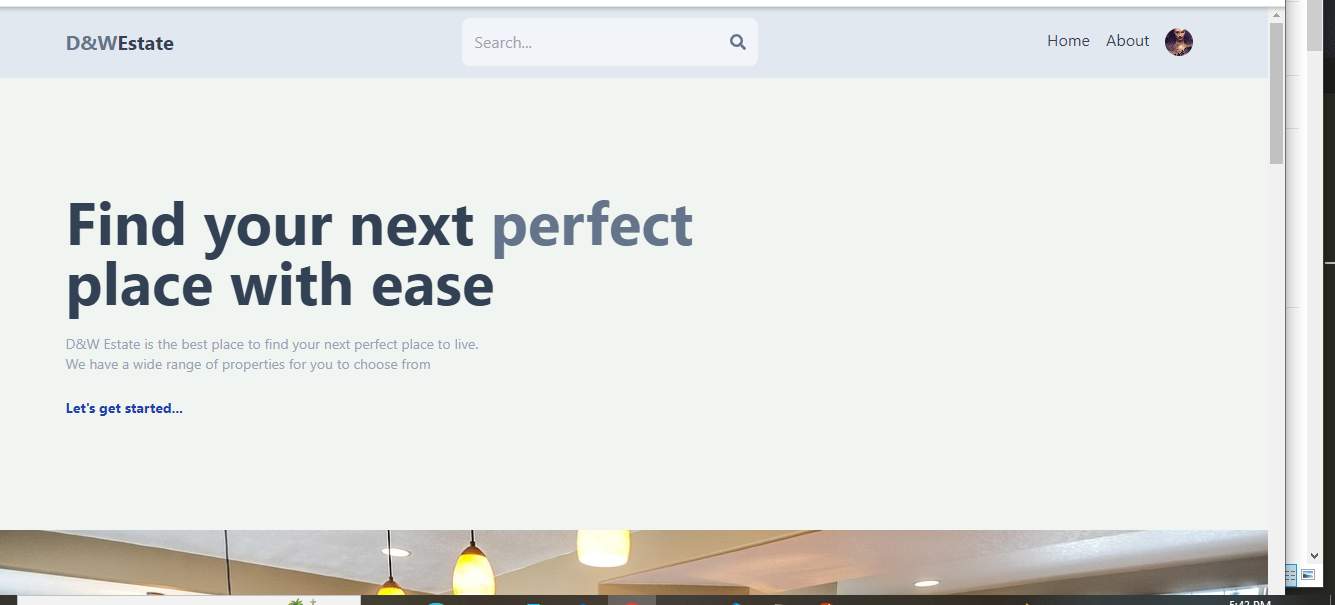
The avatar on the navbar is only visible when the user is signed.
Sign up
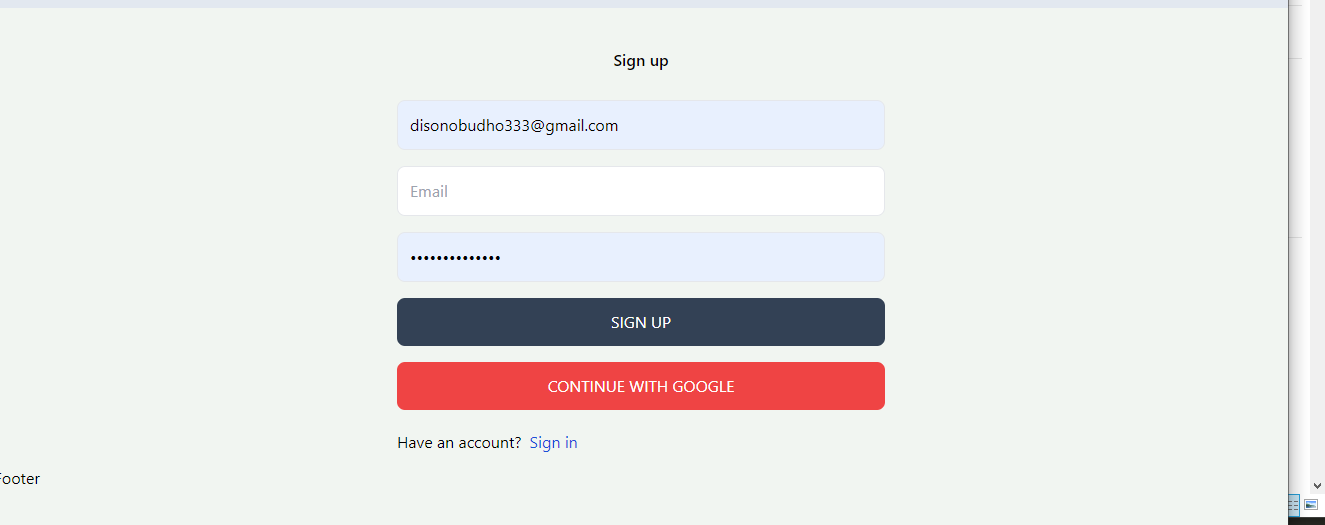
Firebase has been used to implement google login logic to enhance user experience
Profile
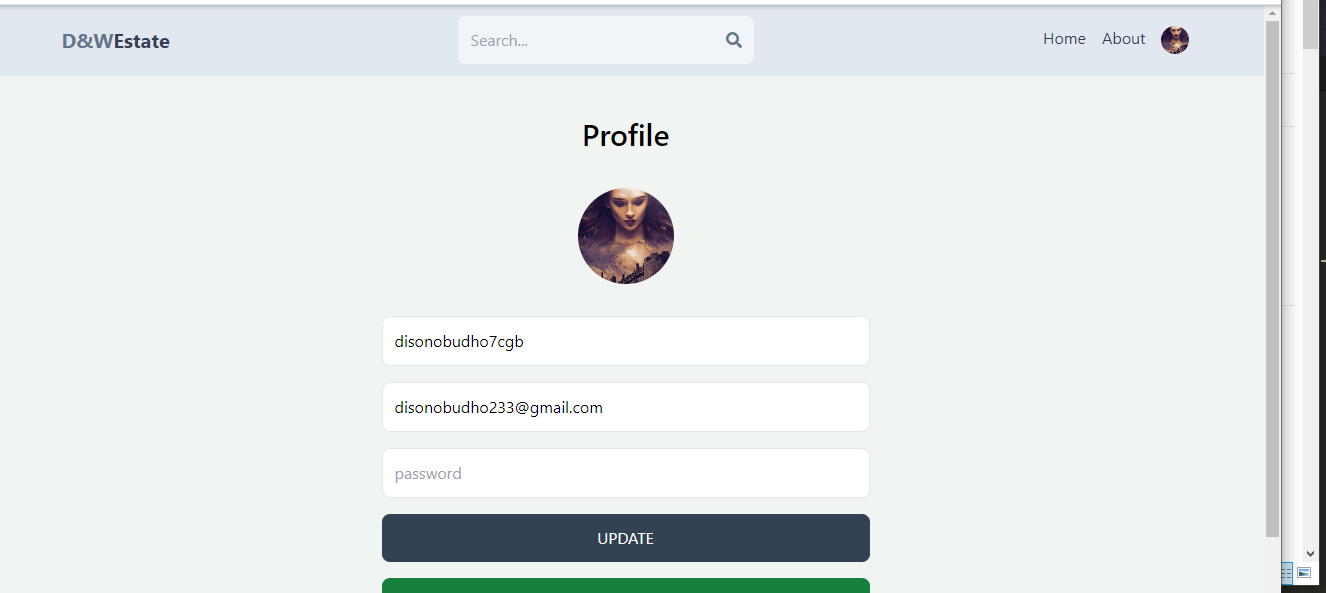
I have invested on the power of react state management using useEffect and useState to efficiently update profile photo before submiting to the backend. To enhance user experience, once the user updates the profile photo, the changes take effect before actual backend response.
I have skillfully utilized firebase storage api to upload avatar before responding with a url that is later stored as a string in the mongodb.
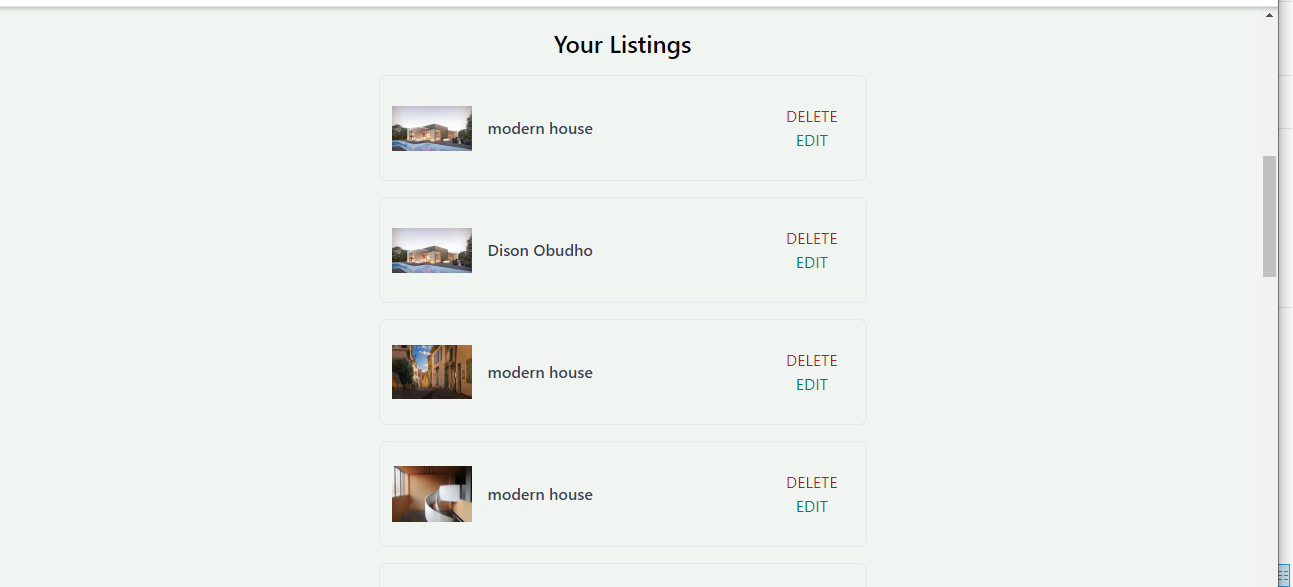
Once logged in, a user can perform all the CRUD operations and can only view their listing.
node implementation
A token created using the user id;
| |
Is accessed via a middleware;
| |
To ensure that a user only edits or view their own listing.
Search
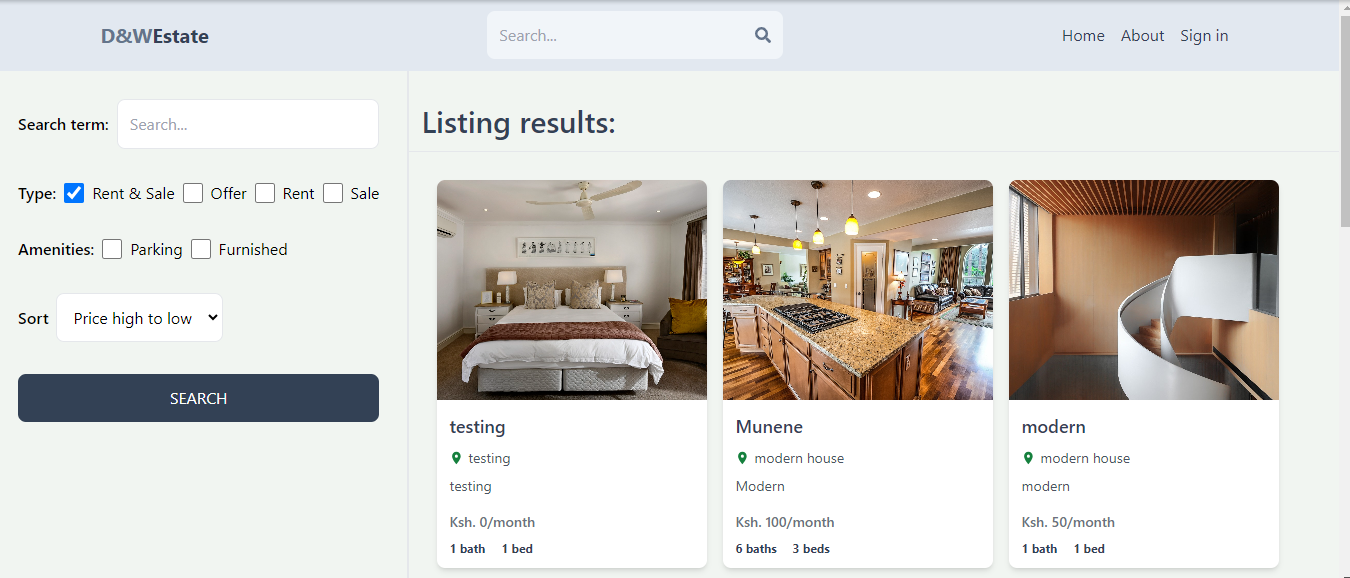
I have invested heavily in the power of search params and mongoose operators to develop a powerful search engine, without using powerful search libraries such as algolia, which is economical for smaller projects.
Installation
React
Cloning the site
To clone the project, ensure you have git installed
| |
frontend
| |
| |
| |
backend
| |
| |
| |